
LinkDigest MCP server
中文文档:README.zh-CN.md — 抖音、小红书链接转文本,MCP / Python SDK / 命令行,价格以人民币标注。
The social media reading layer for AI agents: turn a social media link into text a language model can read — transcript, on-screen text, image descriptions, caption and metadata, with quotes checked against the post.
Hosted, remote (streamable HTTP). Nothing to install or run. For stdio-only clients and scripts,
python/ adds a zero-dependency Python SDK, a linkdigest command line and a
linkdigest-mcp stdio server that forwards to the hosted endpoint.
Website: linkdigest.dev · Registry: dev.linkdigest/linkdigest
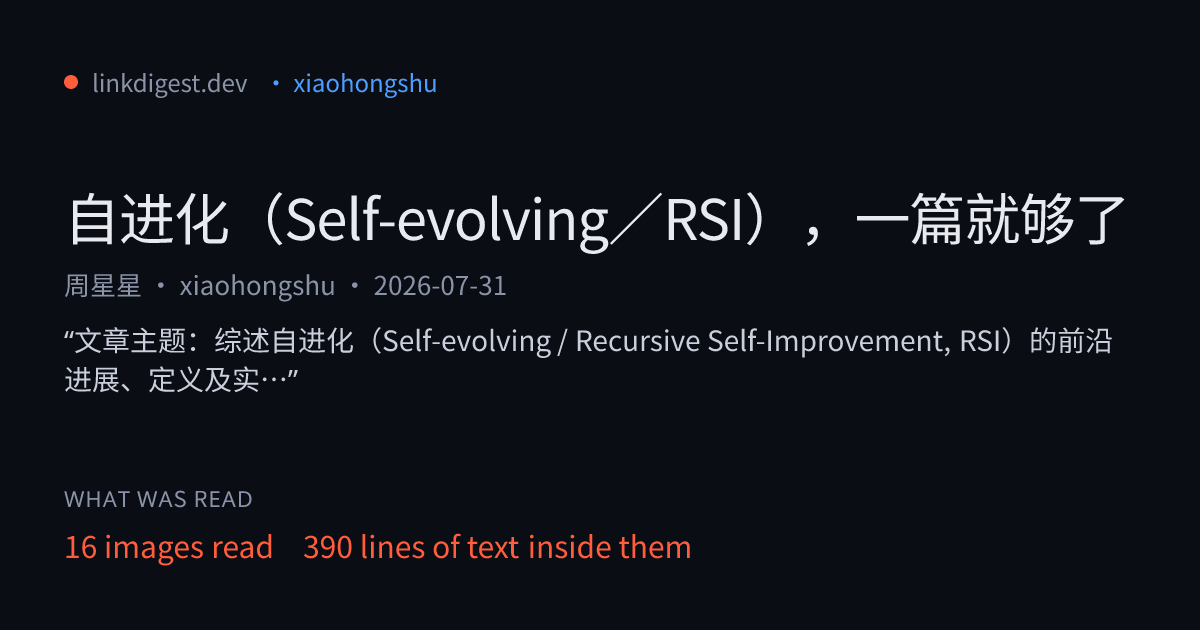
Every digest comes with a receipt — how much was read, and a checked quote behind each key point. Works from Muse, Grok Bot, Manus Cue, Hermes, OpenClaw, Claude Code and Cursor: see linkdigest.dev/connect. No key needed for a first look.
What this repository contains
The open parts: the Python SDK, the linkdigest command line and the linkdigest-mcp stdio server
(python/, MIT), the Dify plugin source (dify/), the agent skill
(skills/), examples, and the official MCP registry entry (server.json).
The hosted service behind https://linkdigest.dev/mcp and the API is operated by LinkDigest; its
reading engine is not open source.
The problem
Fetching a social link yourself returns nothing useful. Share URLs are tokenised
(xsec_token, app_code_link), the content lives in video and images rather
than HTML, and the server sends an app-download shell or a login wall instead of
the post.
$ curl -sL 'https://xhslink.com/o/1WiQ1QI6Uc0' | grep -o '<title>.*</title>'
<title>小红书 - 你的生活兴趣社区</title>
That title belongs to a 36 KB app shell (checked 2026-10-04). No caption, no images, no text of the note.
Install
Claude Code
claude mcp add --transport http linkdigest \
  https://linkdigest.dev/mcp \
  --header "Authorization: Bearer ld_live_..."
Cursor, as a plugin — this repo is a Cursor plugin (.cursor-plugin/plugin.json + mcp.json + skills/).
Install it from cursor.directory, then set the key once in your shell:
export LINKDIGEST_API_KEY=ld_live_...
The plugin's mcp.json reads ${LINKDIGEST_API_KEY}; no key is stored in the repo. Without it,
the tool still lists and tools/call returns a 401 that says where to get one.
Cursor, by hand — ~/.cursor/mcp.json
{
  "mcpServers": {
    "linkdigest": {
      "url": "https://linkdigest.dev/mcp",
      "headers": { "Authorization": "Bearer ld_live_..." }
    }
  }
}
stdio-only clients — through mcp-remote (Node.js):
{
  "mcpServers": {
    "linkdigest": {
      "command": "npx",
      "args": ["-y", "mcp-remote", "https://linkdigest.dev/mcp", "--header", "Authorization:${AUTH_HEADER}"],
      "env": { "AUTH_HEADER": "Bearer ld_live_..." }
    }
  }
}
or through this repo's Python server (needs uv and git). It is installed from this git repository because
it is not on PyPI yet; a linkdigest-mcp package on PyPI is not ours until this README says so:
{
  "mcpServers": {
    "linkdigest": {
      "command": "uvx",
      "args": ["--from", "git+https://github.com/jcaiagent7143-ui/linkdigest-mcp#subdirectory=python", "linkdigest-mcp"],
      "env": { "LINKDIGEST_API_KEY": "ld_live_..." }
    }
  }
}
A key is issued at linkdigest.dev/app/keys. 10 free credits to start, once per account, no card. A post is one credit; video adds one per started minute; a viral breakdown or a translation adds one each. Then $5 once for 250 credits (Alipay accepted, settled as ¥36) or $9 a month for 500 (card).
Agent skills (OpenClaw, Hermes, Claude Code, Cursor and others)
Eleven ready-made skills live in skills/. Each is one job, a SKILL.md plus one script that uses only the Python standard library. No key needed for a first look: without LINKDIGEST_API_KEY the script gives one free summary a day; with a key (10 free credits on sign-up, no card) it returns the full transcript and per-image text.
# Any agent the skills CLI supports (Claude Code, Cursor, Codex, OpenClaw, Trae, Qwen Code, ...)
npx skills add jcaiagent7143-ui/linkdigest-mcp --skill xiaohongshu-note-to-text

# Hermes Agent
hermes skills install jcaiagent7143-ui/linkdigest-mcp/skills/xiaohongshu-note-to-text
hermes skills install clawhub/linkdigest-xhs-note-ocr   # or from ClawHub

# OpenClaw (ClawHub)
clawhub install jackchew7143/linkdigest-xhs-note-ocr
The tool
digest_url(url, format, job_id, translate_to, breakdown, ask, partial_ok, depth) — only url is required.
You do not call it yourself. The tool description tells the agent to reach for it whenever it meets a social link it cannot read, so it happens mid-task without being asked.
A long video may not finish inside one call. When that happens the result names a
job id; call the tool again with that job_id and no url to collect it.
What comes back
platform, author, title, posted_at, caption, transcript ({t, text}),
ocr_text, on_screen ({t, text}), images ({description, ocr}), key_points, stats
(likes, comments, saves, shares, plays), tags, raw_markdown, source_url, transcript_source,
degraded — plus breakdown and translation when asked for.
Two are worth knowing about:
transcript_source—native_captions,asr,gemini_videoornone. Captions the platform already published are exact; speech recognition is not.gemini_videomeans a YouTube video without captions was watched by Gemini, which wrote the transcript and its times. Treating them identically eventually quotes a mis-heard number back at someone as fact.degraded— what did not fully work, in plain words, plus notes on how a complete read was obtained (e.g. "read via oEmbed", "read by Gemini watching the video directly"). It exists because a digest once returned a well-formed, completely empty result during a provider outage and was cached for thirty days.
Platforms
Checked against real posts, not documentation.
The rows that do not work are listed on purpose. Finding out after you have wired something in is worse than knowing now.
How long it takes
Measured, not estimated:
- Already-digested link: about 1 second — anything anyone has run before is cached, and cached links are free
- Xiaohongshu note with images: 1–2 minutes
- YouTube video with captions: about 2.5 minutes
Notes
- Speech is transcribed with Qwen3-ASR. It was kept over whisper-large-v3-turbo after a side-by-side on the same clips, where Whisper misheard Mandarin (创业 → 创意, 900人 → 酒派人).
transcriptis[{t, text}]. Platform captions are timed per line. Speech recognition currently returns one segment per ~170 s of audio (a single segment att: 0for a shorter clip);on_screencarries approximate, keyframe-level times.- Media is never stored or served. It is processed in a temporary directory deleted before the request returns; only the text digest is kept.
- A blocked or removed post returns an error, not a description of the error page.
Python SDK and command line
In python/: MIT, Python 3.10+, standard library only.
pip install "git+https://github.com/jcaiagent7143-ui/linkdigest-mcp#subdirectory=python"
export LINKDIGEST_API_KEY=ld_live_...
linkdigest "https://v.douyin.com/xxxx/" --breakdown       # Markdown to stdout
from linkdigest import LinkDigest

d = LinkDigest().digest("https://xhslink.com/o/xxxx", translate_to="en")
print(d.title, d.credits, d.cached)
print(d.markdown)
Long jobs are collected for you (GET /api/v1/digest/{jobId}?wait=20); errors are typed
(PaymentRequiredError carries buy_url). Examples — Dify, OpenAPI import for Coze-style
platforms, Feishu Bitable, links to CSV — are in examples/ (Chinese).
Dify
The same tool as a Dify plugin lives in dify/ — source, manifest and privacy policy. Install it from the Dify Marketplace and paste your API key into the provider credential.
Also available
A REST API (POST https://linkdigest.dev/api/v1/digest), a web app, and Apify
Store actors for bulk runs. See linkdigest.dev.
License
MIT — see LICENSE. Changes are listed in CHANGELOG.md.