AI-Powered Automation: Natural language commands for web interactions. Multi-Model Support: Works with OpenAI, Claude, Gemini, and more. Advanced Session Management: Single and multi-session support for parallel browser automation
Tools
Tools
No tool list yet. Remote servers get one after the first health check.
FAQ
Automate cloud browsers to navigate websites, interact with elements, and extract structured data.…
Copy the http config for Cursor, Claude Desktop, Claude Code, or VS Code on this page. It uses the publisher's install, not a PlugMCP proxy.
Does ImRonAI MCP Server Browserbase need an API key?
No required environment variable is listed on this record.
What transport does ImRonAI MCP Server Browserbase use?
ImRonAI MCP Server Browserbase is reached over HTTP.
When was ImRonAI MCP Server Browserbase last checked?
Last checked 2026-11-07. AI-Powered Automation: Natural language commands for web interactions. Multi-Model Support: Works with OpenAI, Claude, Gemini, and more. Advanced Session Management: Single and multi-session support for parallel browser automation
From the publisher
Documentation
Browserbase MCP Server
The Model Context Protocol (MCP) is an open protocol that enables seamless integration between LLM applications and external data sources and tools. Whether you're building an AI-powered IDE, enhancing a chat interface, or creating custom AI workflows, MCP provides a standardized way to connect LLMs with the context they need.
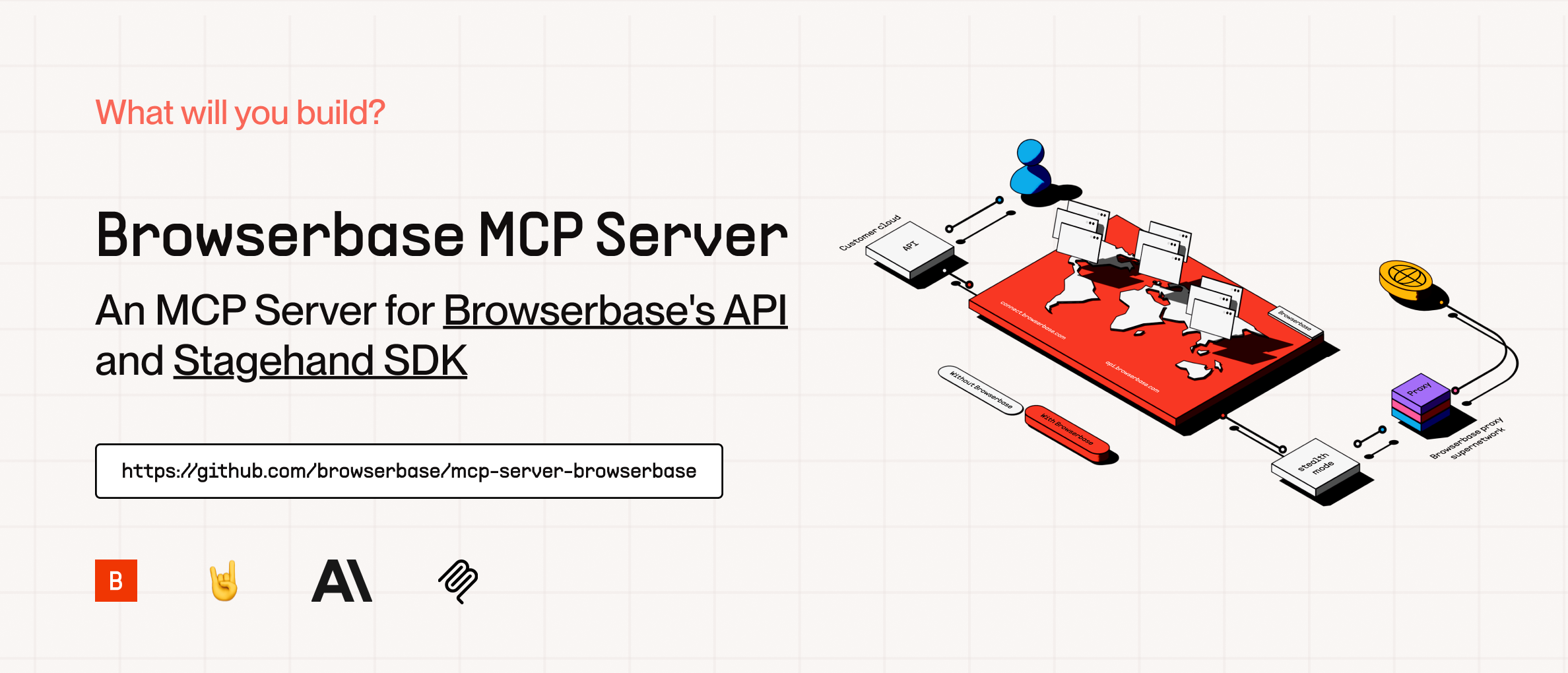
This server provides cloud browser automation capabilities using Browserbase and Stagehand. It enables LLMs to interact with web pages, take screenshots, extract information, and perform automated actions with atomic precision.
Features
Feature
Description
Key features
01. AI-Powered Automation: Natural language commands for web interactions
02. Multi-Model Support: Works with OpenAI, Claude, Gemini, and more
03. Advanced Session Management: Single and multi-session support for parallel browser automation
04. Screenshot Capture: Full-page and element-specific screenshots
05. Data Extraction: Intelligent content extraction from web pages
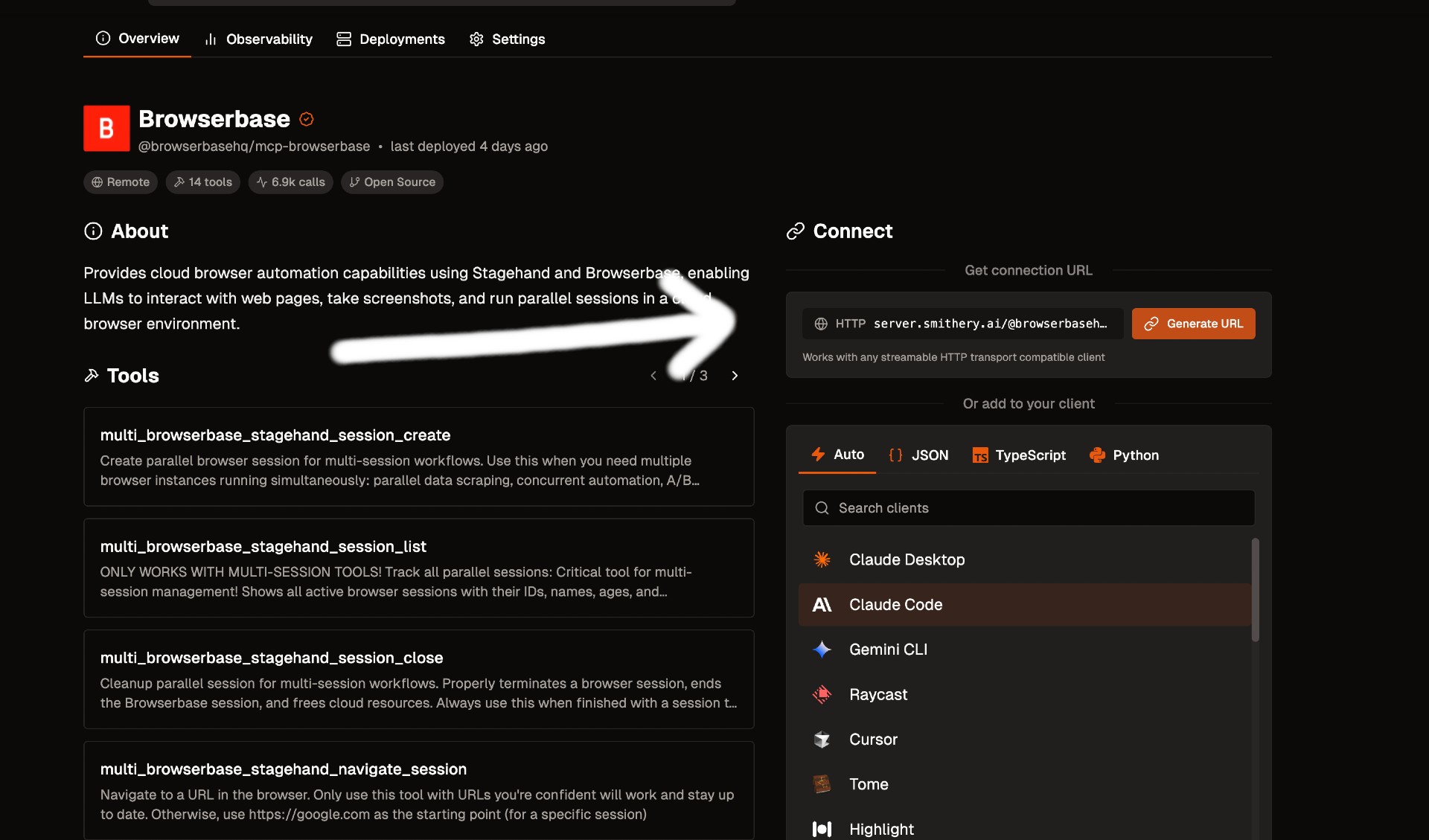
We currently support 2 transports for our MCP server, STDIO and SHTTP. We recommend you use SHTTP with our remote hosted url to take advantage of the server at full capacity.
SHTTP:
To use the Browserbase MCP Server through our remote hosted URL, add the following to your configuration.
Go to smithery.ai and enter your API keys and configuration to get a remote hosted URL.
When using our remote hosted server, we provide the LLM costs for Gemini, the best performing model in Stagehand.
That's it! Reload your MCP client and Claude will be able to use Browserbase.
To run 100% local:
# Clone the Repo
git clone https://github.com/browserbase/mcp-server-browserbase.git
cd mcp-server-browserbase

# Install the dependencies and build the project
npm install && npm run build
Then in your MCP Config JSON run the server. To run locally we can use STDIO or self-host SHTTP.
Note: The model must be supported in Stagehand. Check out the docs here. When using any custom model, you must provide your own API key for that provider.
Resources
The server provides access to screenshot resources:
Screenshots (screenshot://<screenshot-name>)
PNG images of captured screenshots
Key Features
AI-Powered Automation: Natural language commands for web interactions
Multi-Model Support: Works with OpenAI, Claude, Gemini, and more
Advanced Session Management: Single and multi-session support for parallel browser automation
Screenshot Capture: Full-page and element-specific screenshots
Data Extraction: Intelligent content extraction from web pages